Sourcing Hardware
This is a guide to sourcing hardware for your server (aka a computer).
It is possible to participate in the class without setting up a physical server, either by using "the cloud", or by not setting up a server at all, but sourcing some computer you can use for the class will be helpful.
It can be a small, old, dusty, forgotten computer. If its just for the purposes of learning, it doesn't matter too much what capabilities the computer has (with some exceptions).
If you want to use your server after the class, for yourself, or for a community, more attention may be needed for the capacity of the server. This outline page will try to give some idea of what are good things to look for.
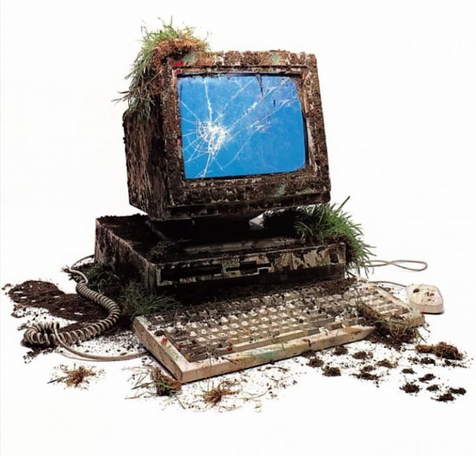
Buying a new computer is an option, but lets focus on trying to source a second-hand computer first (more ecological, and cheaper).
Some methods:
- asking friends
- looking in your basement
- craigslist
- facebook marketplace
- backmarket
- once a friend dumpstered some laptops out of a university bin, and we managed to mix and match parts between the discarded laptops to get a working laptop
Raspberry Pi
Rasperry Pis, a small open source computer, are sort of the classic computer of creative technologists and tinkerers, and there's a lot to love about them.
They are very much designed to not be a "black box", visually showing their internal components, and also being very hackable by design.
They also have a low-energy footprint, and are quite portable.
In past classes we encouraged Raspberry Pi, because it is cheap, well-known and commonly used in art and technology — but your mileage will really vary depending on what model you find.
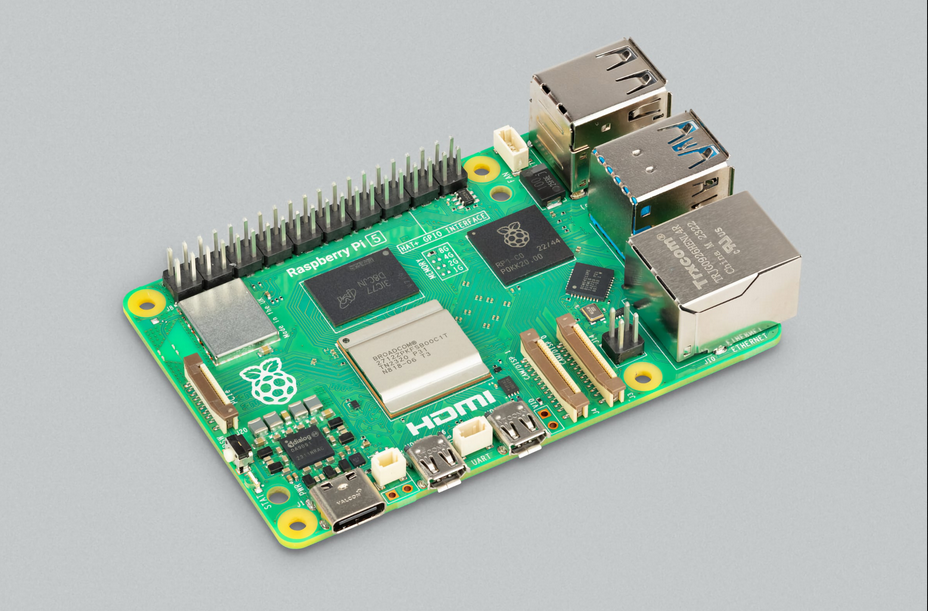
The Raspberry model 5 is a good option, and for example has been used as the server for the infrastructure of collective action school, but for older models of Raspberry pi, such as the 3 and 4, while they work, its often much more limited what type of applications can be run on them.
And raspberry pi models which are older than a 3 are not supported by Yunohost.
Its also worth noting that there are other computers that are similar to Raspberry Pi (called single-board computers), but from other manufacturers. If you have access to one, these could also be a good option, but being less "standard" there may be more issues to solve specific to that hardware. Here is an article about single board computer alternatives: https://www.zdnet.com/article/best-raspberry-pi-alternative/
However even with the Pi 5, there is a complicated technical limitation that you might run into with Pis — Raspberry Pi have a CPU architecture called ARM and most servers in data centers have a CPU architecture called AMD.
It is a deep-dive to learn more about these different CPU architectures, but the end result is that many of the self-hostable applications are packaged for AMD but not for ARM, although many are packaged for both.
So if you get an AMD computer (which is most computers besides a pi), there is a broader range of useful applications you can run on it. I wanted to include this section on Raspberry Pi in the beginning since it is a very well known computer model. The next section will be on other types of computers besides the Pi.
Minimal Technical Requirements
Yunohost specifies that a computer it is installed on must have 512MB RAM and 16GB of storage capacy — but most computers you would find, even old ones, would satisfy this.

It actually may even be possible to turn an old phone into a server, such as was done with the project compost.party, but we would consider this an advanced project, and maybe not the first thing to try if your getting started.
Platonic Ideal Of A Home Server
While many computers can work as a server, from personal experience there is a category of recent "small-form-factor" computers that are small and work quite well for a range of server tasks, that I want to call out. If your able to get your hands on one of these, they are a great option that are easy to work with and can do a lot.
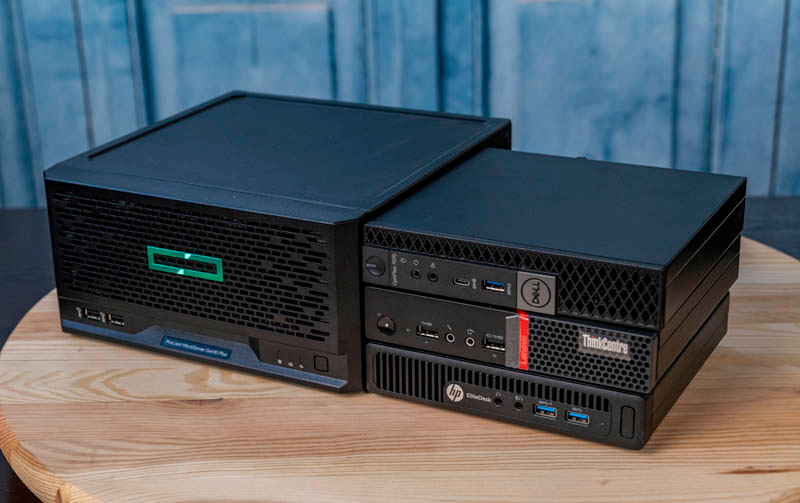
Here is a whole article about these small-form-factor computers:
In particular, some models to look out for:
- Intel NUC
- Lenovo ThinkCentre (our current class server that hosts this outline)
- HP Mini EliteDesk
- Dell Micro Optiplex
Some of these computers may be listed for 200-250 USD, but you may also find cheaper options as well. Some corporations and universities may also buy large amounts of these computers and also discard old models in bulk.
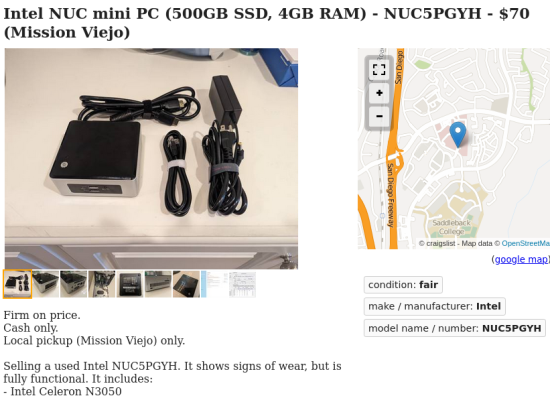
While these servers are an especially good option if you want to continue to use them after the class, there are many other computers that could work.
And again, "the most ecological computer is the one you already have" (or can find).
Energy Usage
Interestingly, the biggest issue with older computers may not always be their processing power (depending on what you want to do), but how much energy they use. A lot of times old servers are replaced not because they have stopped working, but because it would be overall cheaper, including electric bills, to buy a new computer that can perform the same tasks but using less energy.
In the beginning of January 2025, I posted a thread on Mastodon asking about predicting how long a home server would run for before the hardware broke down, and I received some interesting responses.
Here was my question:
curious how long a lenovo thinkcentre basement server will live for and what will be the astrology on the day of its last breath - https://sunbeam.city/@notplants/113749320124760805
And here was one response from @forestjohnson@pixie.town:
But AFAIK, besides those things, death from old age is incredibly rare for computers. Most just keep on running long after they become obsolete (costs more to pay for electricity to run it than it would cost to get a new one that does the same job and uses less electricity)
Altho, who knows what will happen in the future — we may have hit some sorta fundamental limits in terms of energy efficiency of computers.
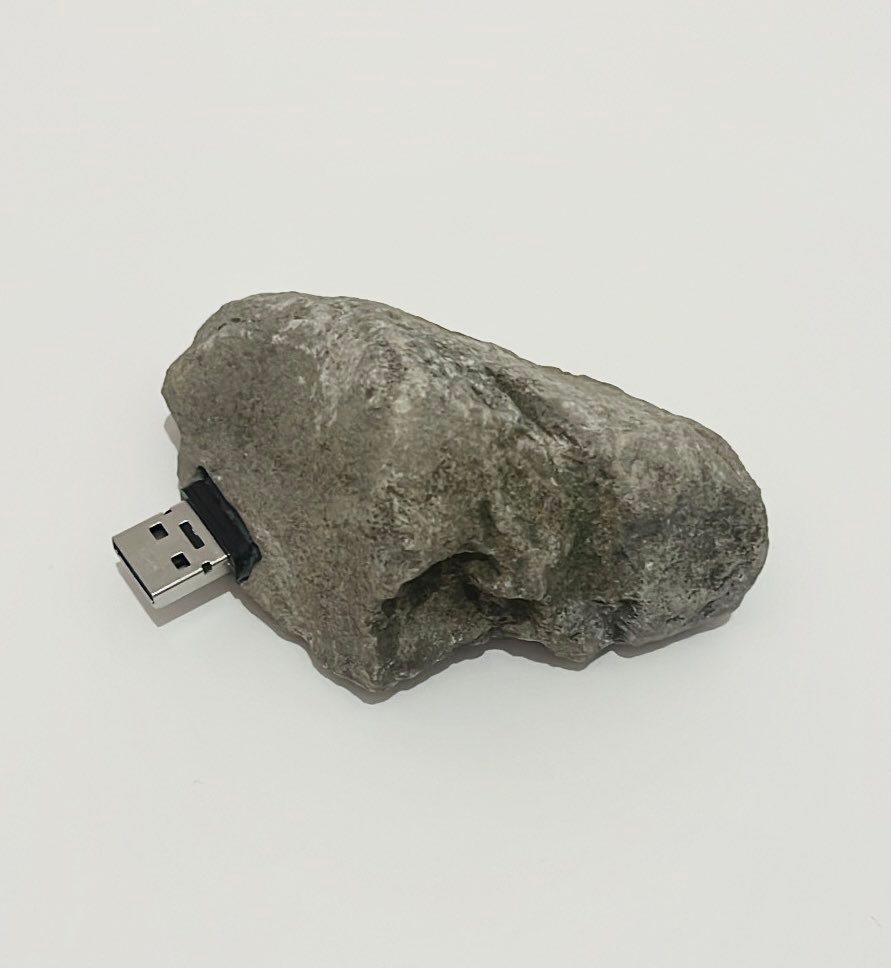
A full analysis of the embodied energy in a computer, in combination with the energy required to keep the server running, could become a complex question. For the sake of getting a computer for this class, I wouldn't overthink it, but it is a rabbit hole to go down if you want to think more about the energy requirements of different computers.
Microcontrollers
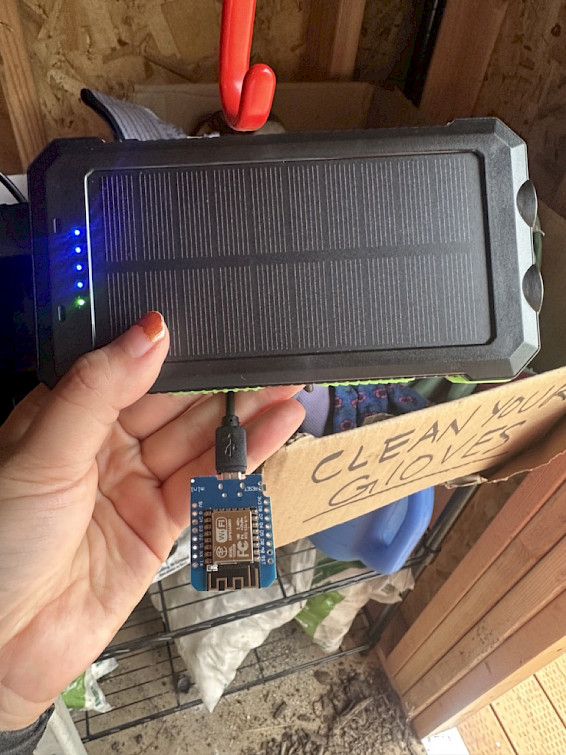
It is also possible to run a web server on a microcontroller (a computer even smaller than a raspberry pi), but again this would be a technically advanced project, and most micro-controllers would not be compatible with yunohost, and so would not be able used for working through the technical curriculum of this class.
But since we are talking about hardware here, thought I should also mention microcontrollers, as there is a lot of cool stuff you can do with them.
Some examples:
From Lillyanne Pham, a past Solidarity Infrastructures student: https://infrastructures.us/en/blog/lillyanne-pham/
Another interesting solar-powered microcontroller project: https://sometimes.digital/posts/solarpunk-web-server/
Some common microcontroller models people work with:
-
ESP32
-
ESP8266
-
Raspberry Pi Pico W
\
Accessories
Lastly, you need to have a few small things so you can actually use the computer you find (assuming its not a laptop). You need:
- a usb keyboard
- a usb mouse
- some type of screen that has a compatible cable with your server
- an ethernet cable to connect directly to your router is also often helpful (to avoid using wifi during setup)
As well as for installing the Yunohost operating system:
- If you are using a raspberry pi, you also need an SD Card that is compatible with your pi.
- If you are not using a raspberry pi, you need a USB stick with atleast 8GB of space.
And that should be enough to have "a server of one's own".
Feel free to send messages in Discord with any questions or potential servers you are looking at.
🔌 ⌨️ 🖥️